
10 Clothing Tag Templates for Apparel Brands
A tag project usually starts the same way. You need something branded by the end of the week, some products need hang tags now, others need sewn-in labels later, and you still have to decide whether this is a quick in-browser edit, a short in-house print run, or a file package for a printer that wants proper bleed and hole placement.
That's why it helps to start with the workflow, not the artwork. The best clothing tag templates depend less on “which design looks nice” and more on how the tag will be produced: what size you need, what stock you can print on, whether the file has a real dieline, how much finishing control matters, and whether you need a browser tool or full design software. Industry guides also show that apparel tags already cluster around a few practical sizes rather than one universal standard. A common hang tag baseline is 2 x 3.5 inches, with smaller options often used for accessories and larger ones for outerwear or premium pieces, while sewn-in labels are much smaller and built around placement and content density, as outlined in this label size guide for apparel tags.
For shops handling decorated garments, the tag decision also affects brand consistency across repeat orders. A DTF business like Cobra DTF may need tags that match fast-moving custom production without rebuilding the layout every time. If you're also tightening your broader content pipeline, this blueprint for campaign assets is useful context.
1. Avery
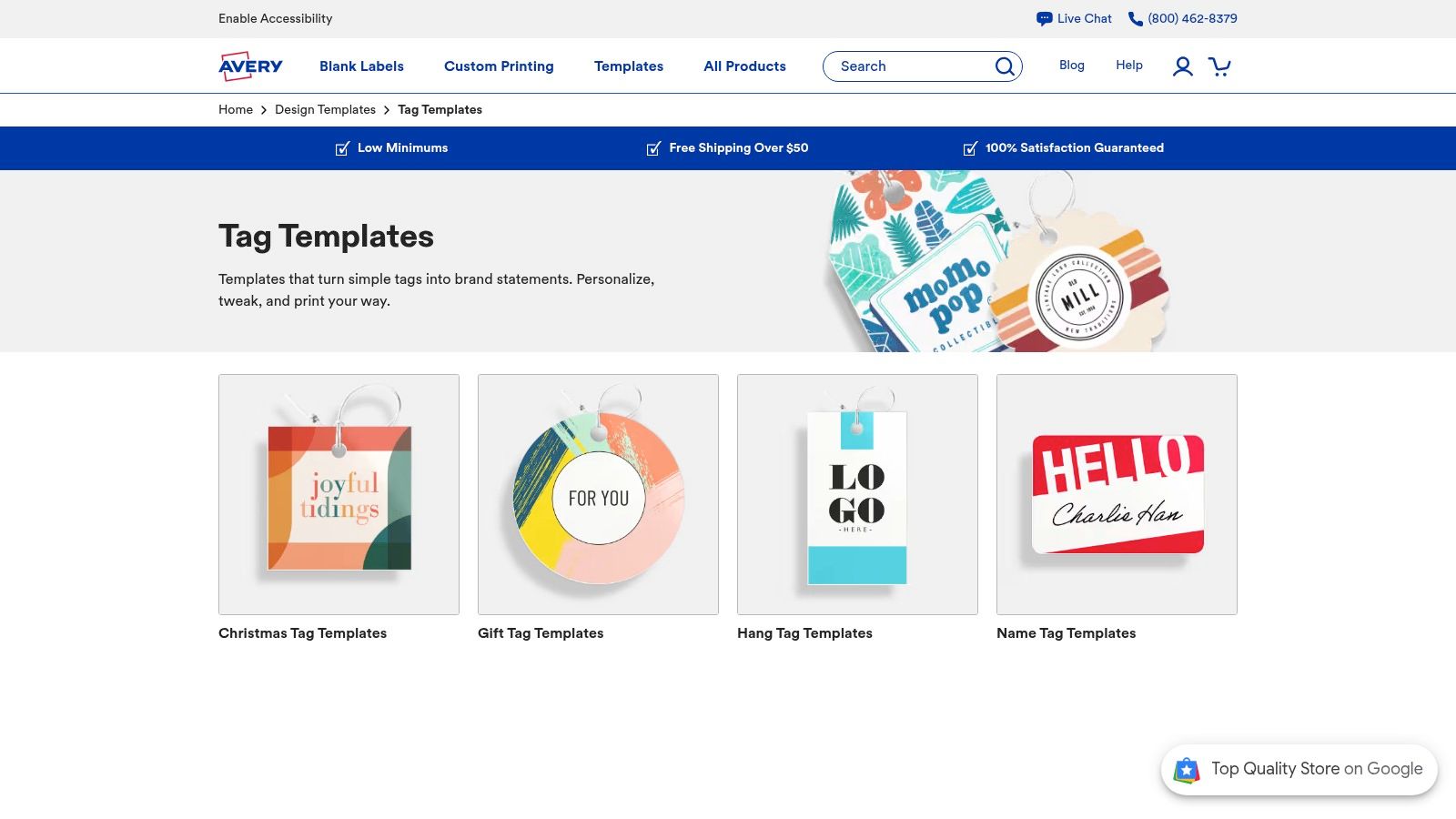
Avery is one of the easiest places to start if your real job is “get tags printed this afternoon.” Its tag template library is built around Avery stock, which removes a lot of guesswork for short runs and internal use.
The practical benefit isn't just the template gallery. It's that the editing environment, sheet layout, and printable stock are all part of the same system. If you've ever tried forcing a generic PDF onto pre-die-cut sheets and watched the hole position drift, you know why that matters.
Best for in-house sheet printing
Avery works best when you want a browser-based editor but still need a physical output route that isn't improvised. You can build a simple front and back tag, add a logo, test variable text, and print onto matching blanks without recreating a layout in Illustrator.
- Best use case: Small apparel brands printing event tags, seasonal drops, sample-sale tags, or limited inventory batches in-house.
- Best prepress choice: Stay on Avery stock if you want predictable alignment. That's where the system is strongest.
- What to watch: The design language leans clean and commercial. If you want something fashion-forward, you may outgrow the templates and use Avery mainly as an output format.
Practical rule: If the sheet is pre-die-cut, use the manufacturer's mapped template instead of a “close enough” custom layout.
Avery is also useful when different staff members need to make simple edits without opening pro software. That said, it's less appealing for premium apparel tags that need unusual finishes, layered typography, or precise custom dielines.
2. Canva
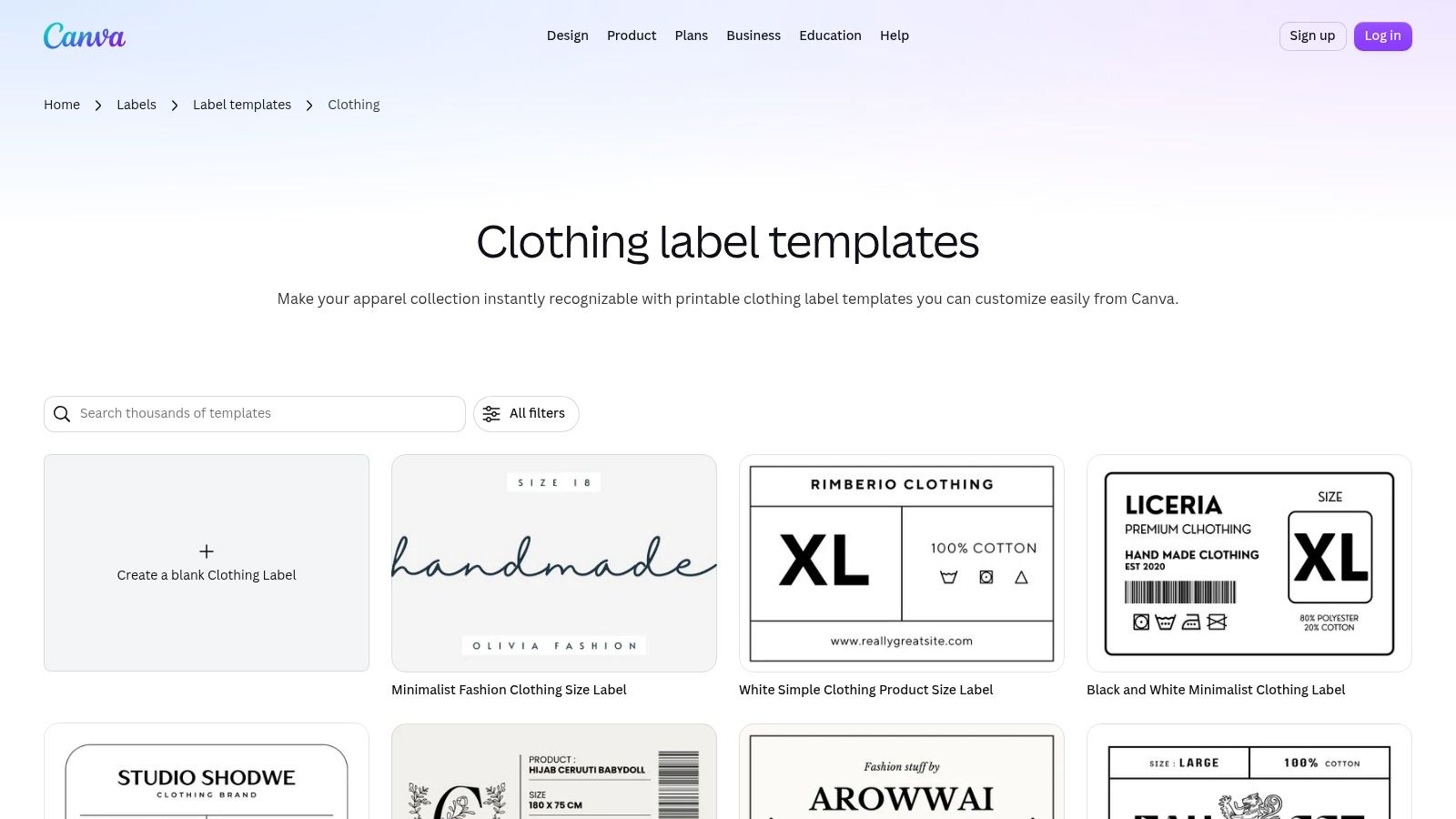
A founder is approving swing tags at 11 p.m., the product photos are due in the morning, and nobody is opening Illustrator for a one-day sale. That is the job Canva handles well. Its clothing label templates give small apparel teams a fast browser-editing workflow for simple hang tags, care cards, promo inserts, and branded pack-ins.
Canva fits the first workflow on this list: browser editing first, print decisions second. That makes it useful for short campaigns, frequent graphic swaps, and teams where marketing owns the file. It also creates limits. You can design quickly, but you still need to choose final size, paper stock, hole placement, coating, and trim rules with your printer before the file is production-ready.
For apparel brands, the best use case is usually straightforward. Use Canva for tags that follow a standard rectangle or other common shape, especially when the main task is updating color, price messaging, collection names, or a QR code. Skip it for jobs that depend on custom dielines, exact back-side registration, foil, embossing, or very small typography that needs close prepress control.
A practical way to use Canva is to treat it as the layout layer, then hand off only approved designs to production.
- Best use case: DTC apparel brands, boutique retailers, market sellers, and small teams producing short-run promotional tags or insert cards.
- Best output route: Export PDF Print, confirm bleed settings, and send the file to a local printer, online print service, or an in-house setup if the tag will be cut from standard sheets.
- What to watch: Canva templates are easy to customize, but they are not tied to a specific paper converter or press template. You must verify finished size, safe area, hole clearance, and whether your printer wants CMYK conversion or outlined fonts.
One trade-off matters more than people expect. Canva is fast because it abstracts the production details. That helps at concept stage, but it can create cleanup work later if the tag has legal copy, tiny care text, or a drill hole near the logo. Check the export at actual size before ordering anything. A design that looks balanced on screen can feel crowded once it is reduced to a 2-inch tag on uncoated stock.
3. VistaPrint
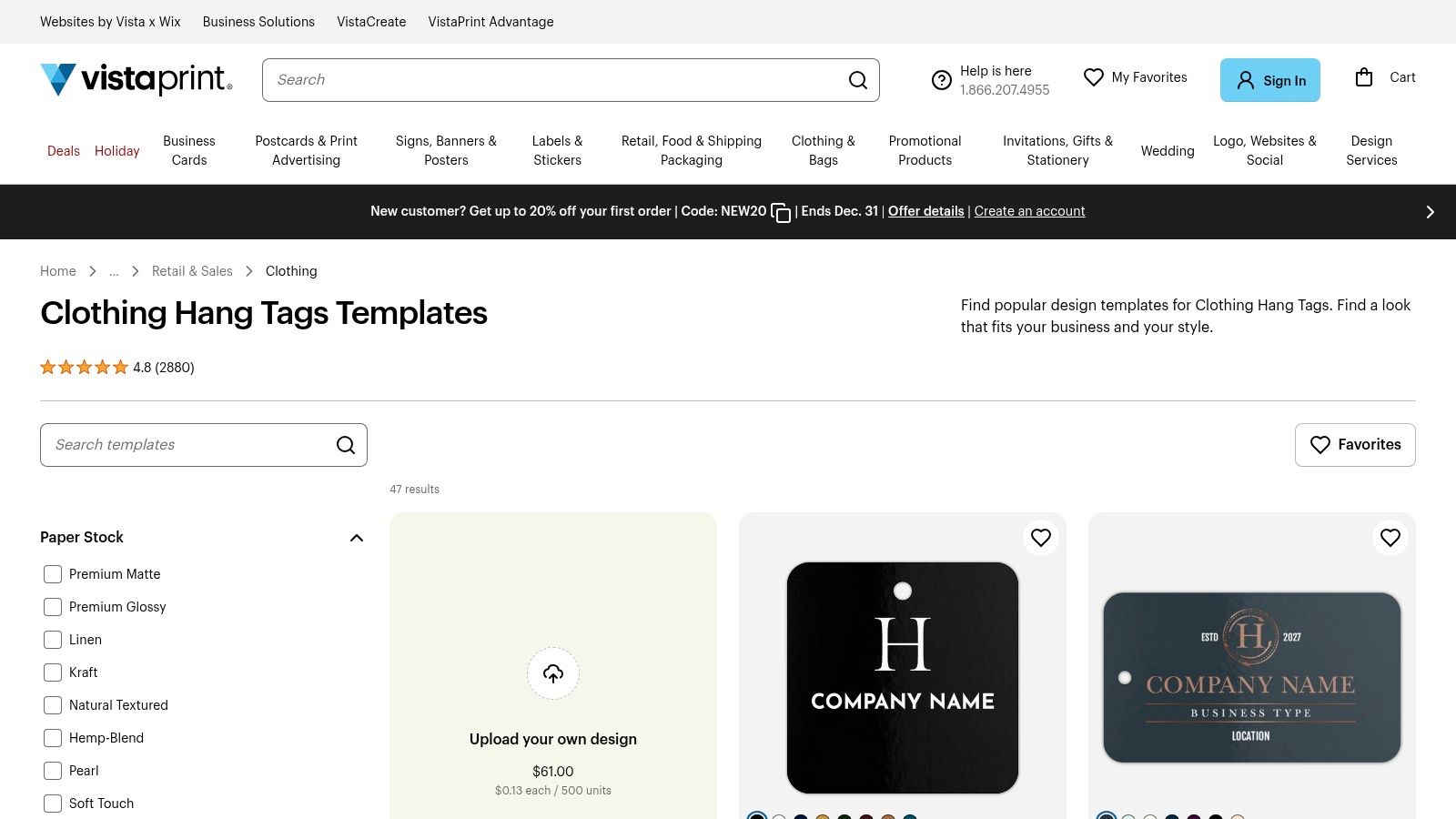
VistaPrint is the choice for people who don't want to manage separate design and print vendors. Its clothing hang tag templates are tied directly to an order path, so the workflow is simple: customize, choose shape and finish, then order.
That integrated route is valuable when you're launching retail-ready tags and don't want to prepare files for a separate printer. It's also easier for teams that need strings, common shapes, and a clean reorder path.
Best for one-stop ordering
VistaPrint isn't the most flexible design environment on this list, but it doesn't need to be. It's built for speed and convenience.
A good use case is a growing apparel label that has already settled on a tag size and wants repeatable reorders with minor seasonal edits. It's less ideal if your printer needs exact custom dieline control or if your designer wants to push a highly editorial layout with unusual hole positions and finishing notes.
Order convenience helps, but it won't fix a crowded tag. If fiber info, size, price, QR code, and branding all fight for the same space, the printed result still feels cheap.
Use VistaPrint when your main decision is operational, not artistic. You need tags ordered and delivered, and the shape and finish choices available in-platform are enough for the product line.
4. UPrinting
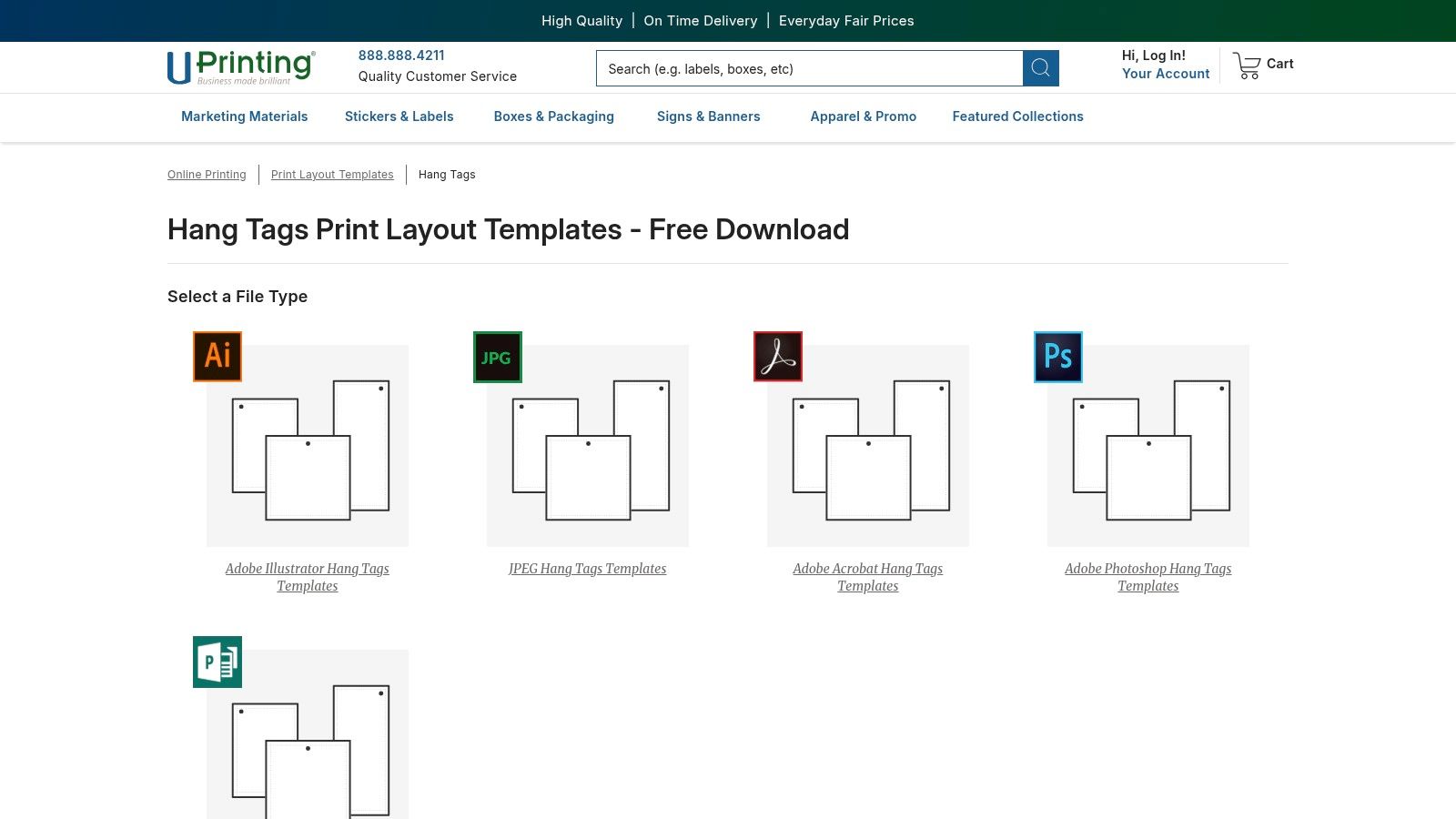
A common handoff problem shows up right before press approval. The brand team signs off on a tag layout from an online editor, then production realizes the file has no real bleed setup, the hole lands too close to type, or the trim margin is too tight for a thick uncoated stock. UPrinting's hang tag print templates fit the part of the workflow where those issues need to be solved before the file is uploaded.
This option suits apparel teams that already have a designer, or at least someone comfortable working in Illustrator, InDesign, Photoshop, or another layout tool that can export press-ready PDFs. The value is not design inspiration. It is mechanical control. You start from a printer-matched file, build the artwork around the trim and drill position, and keep the structure consistent while swapping colorways, product names, or seasonal details across SKUs.
For branded hang tags, that matters.
I'd use UPrinting when the tag is part of the product presentation, not just a price marker. Boutique labels, capsule drops, and wholesale lines often need cleaner alignment between artwork and production specs, especially if the front is heavily designed and the back has size, care, barcode, or QR information that still needs breathing room.
The trade-off is straightforward. You get better prepress discipline, but you also take on file responsibility. Teams without print experience usually run into the same set of mistakes: dieline layers left visible, black text built from rich black, hole clearance ignored, or exports sent in the wrong color mode. Those are manageable problems if someone owns prepress. They become expensive if nobody does.
One practical check helps here. Choose the stock and finish before finalizing the layout. A soft-touch or heavier cardstock can change how small type reads, how much visual weight the tag carries, and whether a tight design still feels refined after drilling and trimming.
UPrinting works best in the professional-file stage of the workflow. The browser editor phase is over. The question now is whether your apparel tag needs printer-specific accuracy, and whether your team can prepare artwork that respects it.
5. OnlineLabels
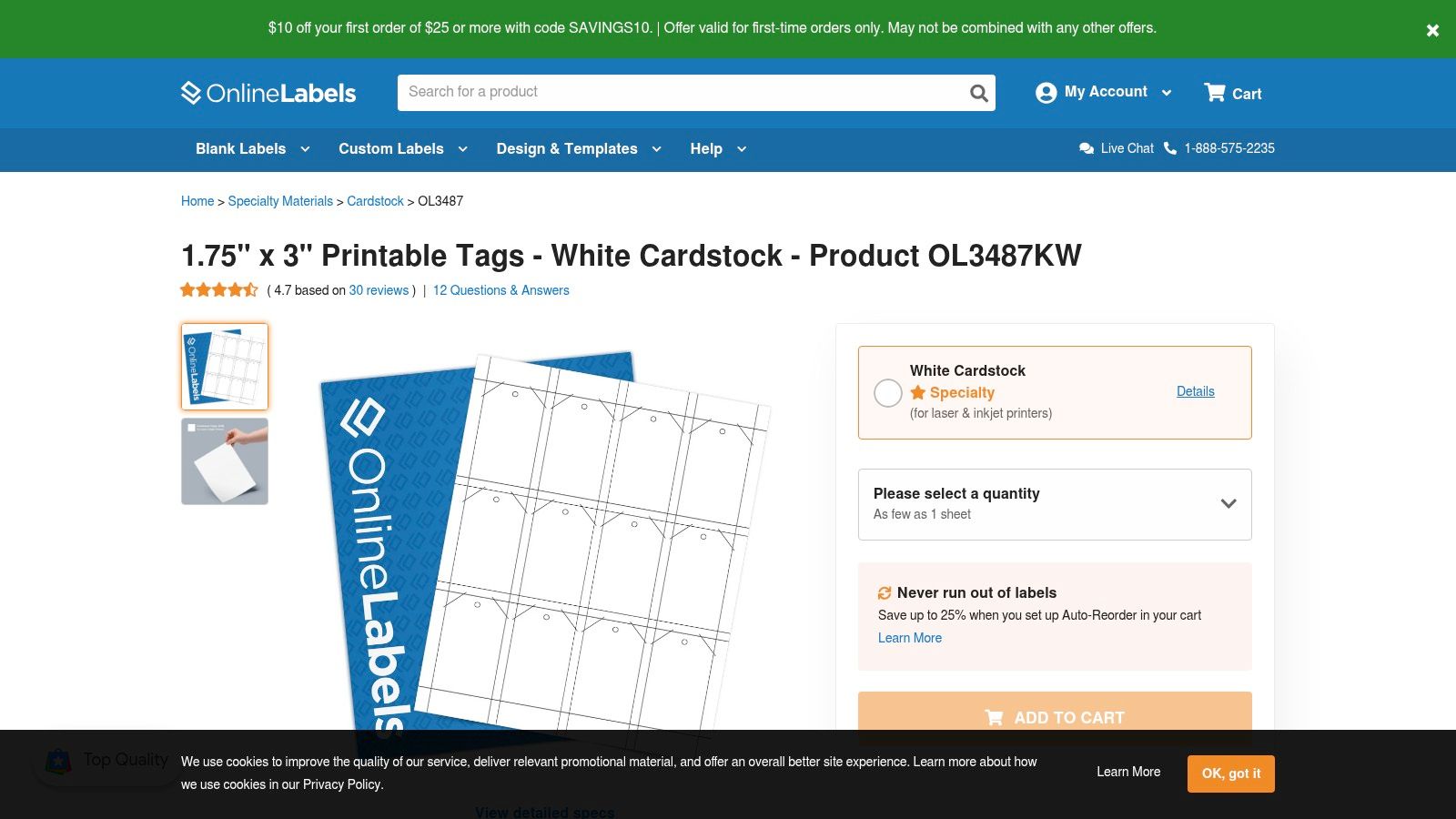
A common in-house scenario looks like this. A brand needs 40 replacement tags for a restock, wants them by tomorrow, and already has a desktop printer in the office. OnlineLabels fits that workflow better than a custom print order because the OL3487 printable tag stock and template are built for sheet printing first.
The main benefit is alignment between the file and the physical sheet. That sounds minor until you have tried to force tag artwork onto a generic letter-size layout and lost half an hour correcting drift, margins, or hole spacing. For sample runs, event prep, or SKU updates, that time savings matters more than premium finishing.
Use it when speed matters more than presentation.
A few apparel jobs fit especially well here:
- market or pop-up tags that need product name, size, and price
- short sample sets for sales reps or wholesale meetings
- internal tags for inventory, backroom sorting, or temporary barcode use
The trade-off sits in the print hardware, not the template. Home and office printers can shift registration, scuff heavier stocks, or feed unevenly once you move beyond lighter sheet materials. If the tag needs thick uncoated stock, a crisp drilled hole, foil, or a finish that supports a higher-end retail presentation, this workflow starts to show its limits.
Software is flexible, which is part of the appeal. Teams can edit in a browser, place artwork in Word, or export a simple PDF. That flexibility also means quality varies with the operator. Small text too close to the die-cut edge, a barcode placed near the punch area, or artwork built without checking print scaling can turn a quick reprint into wasted sheets.
OnlineLabels makes the most sense in the in-house sheet-printing stage of the workflow. It is a practical option for apparel businesses that need clean, low-volume tags fast and can accept the finish quality of a desktop output.
6. Blanks USA
Blanks USA is useful when you already think in paper specs, not drag-and-drop graphics. Its hang tag dieline templates are aimed at designers and production teams that want the physical structure defined first.
That matters when your tag system spans multiple garment categories. If you're sourcing blanks from several channels, including wholesale clothing suppliers in the USA, consistent tag architecture keeps mixed inventory from looking random at retail.
Where supplier dielines help
Supplier-provided dielines are often underrated. They cut rework because the trim, bleed, and hole location already match the product format you're ordering or finishing around.
A strong use case is a brand with several collections that wants one repeatable visual system across standard tags, oversized premium tags, and alternate shapes. If you plan to send files to a trade printer, pair these templates with a printer that handles swing tag printing and custom clothing labels so the mechanical file and finishing route stay aligned.
Clean branding systems usually come from boring mechanical consistency. Same margins. Same hole position. Same information hierarchy.
Blanks USA isn't for beginners. It's for teams that would rather build a durable tag standard once than keep patching one-off edits together.
7. Adobe Express
A common apparel workflow looks like this: marketing needs a tag mockup today, merchandising wants the SKU and size line changed tomorrow, and production still needs a file the printer can run. Adobe Express fits that middle stage well. Its clothing label creator is useful for browser-based editing when the brand already stores fonts, logos, and campaign assets in Adobe tools.
That makes it less of a pure template source and more of an approval tool inside a broader brand system.
For apparel teams running frequent drops, that matters. A product manager can update color names or price points without opening Illustrator, and the design team can keep the layout aligned with the rest of the season's assets. Express is especially practical for simple rectangular hang tags, care inserts, and promo tags that need quick revisions across multiple SKUs.
The trade-off shows up at prepress. Express is fine for standard print pieces, but production gets harder once the tag needs a custom die cut, foil, spot UV, textured stock, or a hole position that has to match a specific stringing method. In those cases, use Express to approve hierarchy, copy, and branding, then move the file into Illustrator or a printer-supplied dieline before release.
One more practical note. Check export settings early, not after approvals. If the team builds tags in RGB, uses web-resolution graphics, or forgets bleed, the browser speed you gained at the start gets lost in file cleanup later. Adobe Express works best for brands that want fast browser editing now and have a clear handoff to proper print prep when the job calls for it.
8. Envato Elements
Envato Elements is for brands that want better-looking starting points than most browser editors provide. Its hang tag template library offers layered PSD and AI files that usually feel more editorial, boutique, or streetwear-ready.
The trade-off is obvious. You get stronger aesthetics, but you also inherit the need for proper design software and someone who can edit files without breaking them.
Strong visual direction, weaker standardization
This route works well when the brand mood matters as much as the information on the tag. It's especially useful for lookbook-driven apparel lines, capsule drops, and tags that need to feel like part of the product rather than just an information card.
Before downloading anything, make sure your team can open and prep the file correctly. If your logo assets are inconsistent, this quick guide to logo file types for print and design workflows is worth reviewing first.
The weak point with marketplaces like Envato isn't usually style. It's production discipline. Some files are neatly organized, others need cleanup, and you still have to check bleed, image resolution, and text placement before sending anything to print.
9. Creative Market
A small apparel brand usually lands on Creative Market at a specific point in the workflow. The tag size is already chosen, the print method is probably set, and the team needs one design file that looks sharper than a browser template without paying for a monthly asset library. Creative Market hang tag templates fit that buying pattern well.
The single-purchase model is the main advantage. It suits seasonal collections, boutique relaunches, and short runs where one front-and-back tag concept is enough. For apparel teams that already have Adobe Illustrator or Photoshop in use, that can be faster than rebuilding a layout from scratch.
The catch is prepress discipline.
Creative Market is less about volume and more about selection quality. One seller may provide clean layers, outlined dielines, editable typography, and print-ready bleed. Another may deliver a file that looks good in the preview but needs cleanup before it can go onto coated cardstock, uncoated kraft, or a specialty stock with foil or soft-touch lamination. That matters if the tag will be duplexed, drilled for stringing, or resized to match a specific punch shape.
A practical way to judge it is by the production path:
For brands sending artwork to a commercial printer, Creative Market works best if the file can be adapted to the printer's template without rebuilding the layout.
For in-house sheet printing, it only works if the dimensions can be converted cleanly to the label or card stock you already run.
For outsourced freelance edits, it helps if the seller includes organized text, color, and image layers so another designer can step in quickly.
Use it when the brand already has a clear visual direction and needs a polished starting file, not an all-in-one print system. The trade-off is simple. You save on subscription cost, but you take on more responsibility for checking bleed, trim safety, font licensing, color mode, and stock compatibility before the file goes to press.
10. Template.net
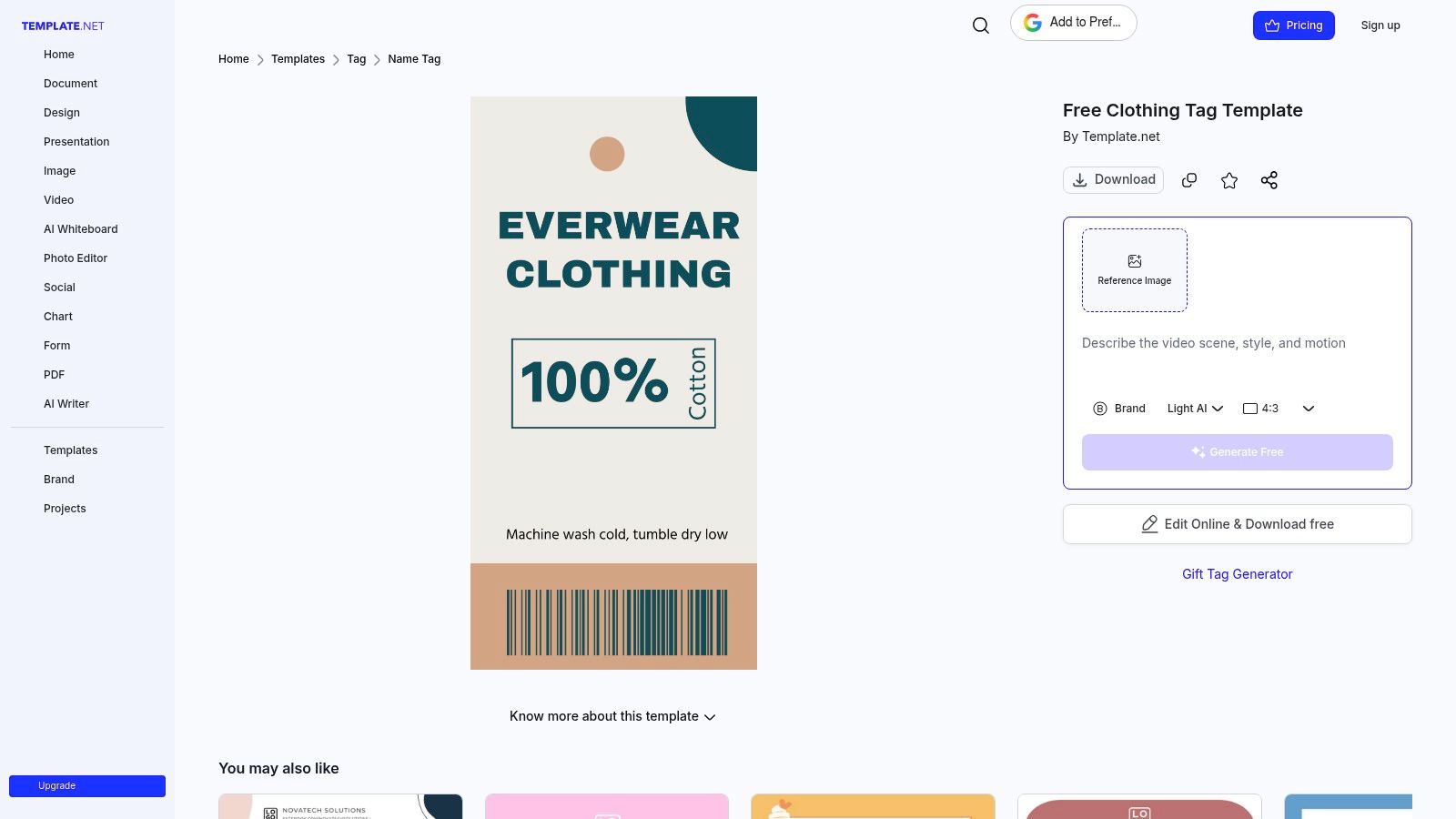
Template.net is the utility player of the group. Its editable clothing tag template is useful when your team wants familiar file formats like Word, Photoshop, Illustrator, or browser editing in one place.
That flexibility is helpful for non-design teams. Not every apparel business has a designer on call, and not every tag needs boutique-level art direction.
A practical starter option
Template.net is often good enough when the goal is to build a clean standard layout with front and back fields, then hand that structure to whoever will print it. For brands sorting out label content at the same time, this T-shirt label template guide pairs well with that setup.
There's also a wider compliance reason to keep content structure in mind. The major gap in many template libraries is legal readiness. EU textile labeling rules require clear fiber-composition labeling with harmonized fiber names, and U.S. apparel labels also need fiber content, country of origin, manufacturer identity or RN, and permanent care instructions, as summarized in this EU textile labeling guidance.
Template.net is not where I'd go for premium finishing control. It is where I'd go if the business needs a usable tag framework quickly and wants flexible editing options while it figures out the final print route.
Top 10 Clothing Tag Template Providers Compared
| Provider | ✨ Key feature | ★ Quality / Ease | 💰 Value / Pricing | 👥 Best for | 🏆 Unique selling point |
|---|---|---|---|---|---|
| Avery | Free browser templates + in-house WePrint | ★★★★ | 💰💰 (cheap with Avery stock) | 👥 Small apparel brands / DIY | 🏆 End‑to‑end US design→print workflow |
| Canva | Drag‑and‑drop editor + brand kits | ★★★★☆ | 💰💰💰 (free + Pro) | 👥 Boutique / D2C / rapid iteration | 🏆 Huge template library & speed |
| VistaPrint | Templates + shapes, stocks & finishes | ★★★★ | 💰💰 (print+fulfillment cost) | 👥 Retailers needing ready‑to‑sell tags | 🏆 One‑stop printed hang tags (strings/finishes) |
| UPrinting | Downloadable AI/PSD dielines for prepress | ★★★★ | 💰💰 (competitive runs) | 👥 Designers / production pros | 🏆 Production‑accurate templates to reduce rework |
| OnlineLabels | Pre‑die‑cut tag sheets + Maestro editor | ★★★ | 💰 (cost‑effective short runs) | 👥 Small shops printing in‑house | 🏆 Tight template→die cut alignment |
| Blanks USA | Supplier-matched dielines for paper stock | ★★★★ | 💰💰 (buy blanks + external print) | 👥 Brands needing SKU consistency | 🏆 Dielines matched to US supplier stock |
| Adobe Express | Template editor with brand kits (Adobe) | ★★★★ | 💰💰 (some paid features) | 👥 Teams using Adobe / brand managers | 🏆 Consistent brand asset management |
| Envato Elements | Designer PSD/AI templates (subscription) | ★★★★★ | 💰💰💰 (subscription, high variety) | 👥 Designers wanting polished, trend‑forward files | 🏆 High‑end, ready‑to‑edit creative templates |
| Creative Market | A‑la‑carte boutique templates (buy once) | ★★★★ | 💰 (pay per item) | 👥 One‑off boutique labels / small brands | 🏆 Purchase single boutique designs (no subscription) |
| Template.net | Multi‑format editable tag templates (Word/PS) | ★★★ | 💰 (affordable, some premium) | 👥 Non‑designers / office teams | 🏆 Low learning curve; broad format support |
Turn the Shortlist Into a Print-Ready System
The easiest way to choose among clothing tag templates is to match the tool to the production path you need.
Choose Avery or OnlineLabels when you want mapped in-house sheet printing and the least amount of setup friction. Those are strong options for sample runs, event inventory, short replenishment cycles, and internal control. Choose Canva, Adobe Express, or Template.net when speed of editing matters most and different people on the team may need to update the file without design software.
Choose VistaPrint when you want the shortest path from customization to ordering finished hang tags. That's the operationally simple option. Choose UPrinting or Blanks USA when production accuracy matters more than convenience and you need files built around bleed, trim, safe zones, and hole placement from the start. Choose Envato Elements or Creative Market when visual style is the main priority and you already have someone who can prep professional design files correctly.
A few tag decisions matter more than the platform itself. First, confirm the physical format. Apparel tags don't follow one universal standard, and regulation has shaped how much information labels often need to carry. Labeling policy has continued evolving in major markets, including EU consumer-protection changes under Directive (EU) 2024/825 that must be transposed into national law by 27 March 2026 and become fully applicable on 27 September 2026, while other standards such as NTE INEN 1875:2012 also emphasize structured garment information, as discussed in this overview of clothing labels and packaging rules. That's one reason templates that look spacious on screen often feel cramped in print.
Second, account for where tags are heading, not just where they've been. Static branding-only tags are less future-proof. Some regions are moving toward physical-plus-digital textile labeling, including synchronized physical and digital labeling with DataMatrix codes in the EAEU, while the EU Parliament is revising textile labeling rules and an EU legal guarantee notice becomes mandatory at point of sale from 27 September 2026, according to this draft textile labeling regulations summary. If your tag system may need QR or traceability elements later, leave room for them now.
Before you order a larger run, check the same things every time:
- Dimensions: Make sure the template matches the finished tag size.
- Bleed and safe zone: Confirm artwork extends far enough and text sits safely inside trim.
- Hole placement: Check that the drill position won't cut through logos, pricing, or codes.
- File format: Use the format your printer or internal workflow can handle without conversion issues.
- Stock compatibility: Match the design to the paper thickness, coating, and print method you'll use.
- Legibility: Print one physical proof and read it at arm's length.
- Master file control: Save one approved master version and duplicate from it for every SKU.
That last point matters more than most brands expect. Save a stable base file, keep the same tag fields across collections, and only vary the elements that need to change. If your business also produces custom decorated garments, keep the tag system aligned with the branding used alongside DTF orders so the finished product feels consistent. Cobra DTF can fit into that broader workflow when the decoration side of the business also needs repeatable branded assets.
If you're building a more consistent apparel workflow, Cobra DTF offers custom DTF transfers and an online gang sheet builder that can help keep branding assets organized across garment production. That makes it easier to align the decoration on the shirt with the tag system attached to it. Visit Cobra DTF to see how their transfer workflow can support your broader apparel setup.